
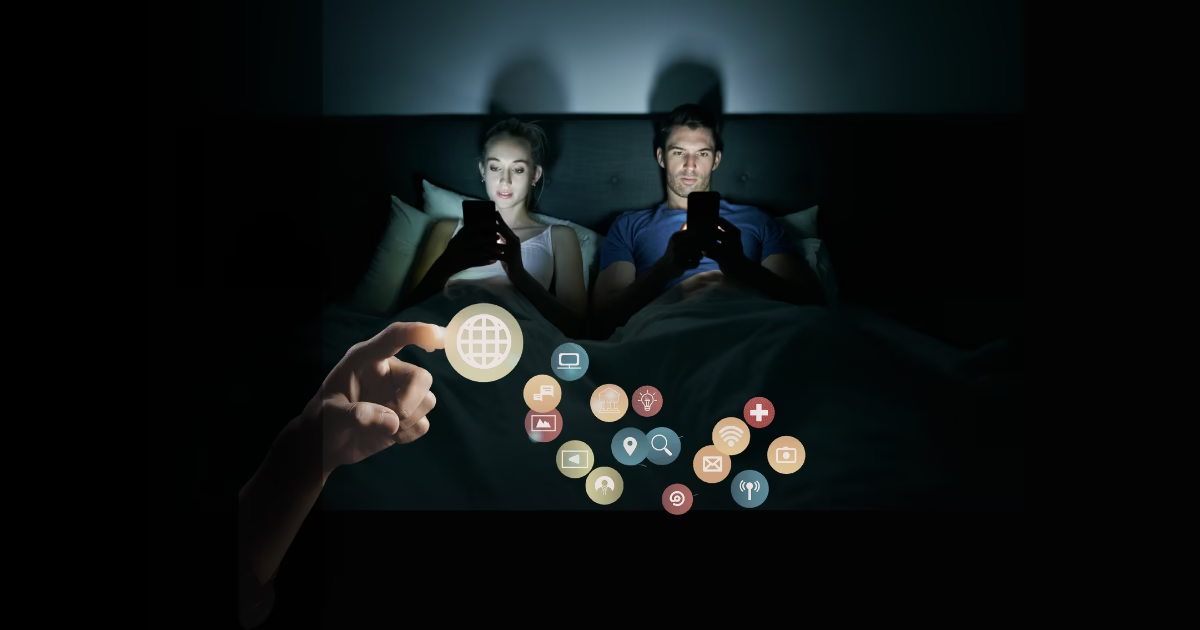
Doomscrolling (or doom scrolling) is the habit of endlessly consuming negative news and distressing content online, especially through social media feeds and news apps, even when it makes you feel worse. It surged during global crises, but for many people it quietly turned into a daily, compulsive news consumption pattern.
Researchers have found that heavier doomscrolling is associated with more psychological distress, including anxiety, low mood, and stress. The goal isn’t to stop checking the news altogether—it’s to manage news and online negativity in a way that builds healthier news consumption habits that protect your mental health while keeping you informed.
What doomscrolling does to your brain and body
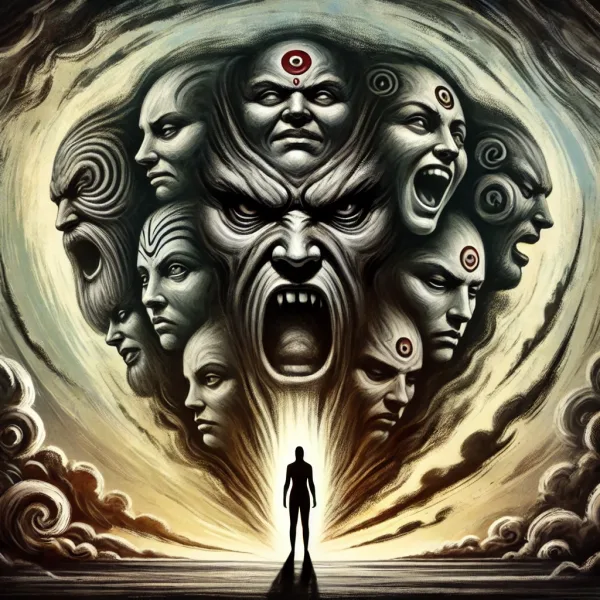
Doomscrolling taps into your brain’s negativity bias—the tendency to pay more attention to threats and bad news than to neutral or positive information. Modern platforms supercharge this by feeding you an endless scroll of dramatic headlines, upsetting videos, and heated comment threads.
Health and mental health organizations report that frequent exposure to distressing news can:
- Increase anxiety, sadness, fear, and a sense of overwhelm.
- Interfere with sleep and rest, especially when scrolling late at night.
- Lead to physical symptoms like headaches, muscle tension, and elevated blood pressure in some people.
A recent scoping review found that doomscrolling is linked not only to psychological distress but also to a more pessimistic worldview and higher existential anxiety in some groups. In other words, the more time you spend stuck in the negative news cycle, the more the world can start to look hopeless—whether or not that’s accurate.
Step 1: Name the habit (and track it)
You can’t change a habit you don’t notice. Many people open news or social media apps “just for a second” and wake up 40 minutes later deep in a rabbit hole about disasters on the other side of the world.
Researchers at the University of Virginia encourage people to log two things for a week:
- how much time they spend reading scary or disturbing news online, and
- how it affects their mood and sleep.
You can do a simplified version:
- Notice when you doomscroll most (in bed, during work breaks, late at night).
- Notice what pushes you there (boredom, stress, loneliness, habit).
- Notice how you feel before and after (calm → tense, okay → anxious, tired → wired).
This is basic behavioral science: once you map the pattern, you can start changing it intentionally instead of relying on willpower in the moment.
Step 2: Build digital boundaries, not digital denial
You don’t have to delete every app and move to a cabin in the woods. Instead, think in terms of digital boundaries: small, practical limits that give your brain space to reset.
Health experts and mental health charities consistently recommend some core strategies:
a) Turn off (most) push notifications
News alerts and social media notifications are designed to hijack your attention. Harvard Health and other sources suggest opting out of non-essential notifications so your phone isn’t constantly dragging you back into the feed.
- Keep essential alerts (family, work, emergencies).
- Turn off breaking news and “trending” notifications.
This alone can dramatically reduce compulsive checking.
b) Set time limits and “news windows”
Mayo Clinic, WebMD, and multiple mental health organizations recommend time-boxing your news and social media use—e.g., 15–20 minutes, one or two times a day. You can:
- Use built-in screen time settings or apps like ScreenZen or Freedom to cap usage.
- Decide in advance: “I’ll check the news at 8:30 am and 7:30 pm, not in between.”
You still stay informed, but you break the constant drip of alarming updates.
c) Create phone-free zones and times
Organizations like the Mental Health Foundation and Samaritans suggest phone-free zones—especially in bed and at mealtimes—to protect sleep and genuine connection.
Try:
- No phone at the dinner table.
- No doomscrolling in bed; use a physical alarm clock so your phone can stay in another room.
- Keeping your phone out of arm’s reach while you work, so you don’t “just check” every few minutes.
These aren’t moral rules; they’re practical ways to interrupt automatic, compulsive scrolling.
Step 3: Curate your news diet so you stay informed
Doomscrolling isn’t just about how much you consume; it’s also about what you consume. Your feed is not a neutral reflection of reality—it’s a personalized stream tuned for engagement, not balance.
Health and mental health organizations recommend:
a) Choose trusted, limited sources
Instead of bouncing between dozens of sensationalist accounts and websites, pick a small set of trusted news sources and stick mostly to those.
- Favor established outlets with editorial standards over random viral posts.
- Consider subscribing to one or two quality newsletters that summarize key stories.
b) Curate your social media feeds
Think of your social feeds as a custom newspaper you edit yourself. The Mental Health Foundation and Samaritans note that you can mute, block, or unfollow accounts that consistently leave you anxious or depleted.
- Unfollow “doom-only” accounts, even if they feel important.
- Add accounts that share solutions, context, and positive stories to balance the negative.
c) Focus more on local and actionable news
Harvard experts suggest paying more attention to community or local news, which often feels less overwhelming and more actionable than constant global catastrophe updates. When you can do something—donate, volunteer, vote, attend a local meeting—the news becomes a cue for action rather than helplessness.
Ask yourself:
- “Does this information help me make a decision or take useful action?”
- “If not, how much of it do I really need today?”
Step 4: Calm your nervous system in real time
Doomscrolling is partly a nervous system problem. Your brain senses threat, your body shifts into high alert, and scrolling becomes a way to keep scanning the horizon for danger.
To interrupt that loop, mental health professionals recommend pairing digital boundaries with regulation skills—things that help your body shift out of fight-or-flight.
a) Mindfulness and mood check-ins
Universities and mental health organizations emphasize simple mood check-ins every 5–10 minutes while you’re online: “Do I feel better or worse than when I started?” If the answer is “worse,” that’s your cue to log off.
Mindfulness practice—paying attention, on purpose, to your present experience without judgment—can help you notice urges to keep scrolling without automatically acting on them.
b) Slow your scroll
If going cold turkey feels impossible, some clinicians suggest simply slowing down.
- Scroll more slowly and actually read instead of skimming.
- Notice your breath, posture, and tension while you scroll.
This shifts you from compulsive doomscrolling to more conscious news consumption, which is easier to regulate.
c) Swap scrolling with low-effort, offline activities
Several healthcare and mental health resources recommend deliberately swapping doomscrolling with simple, non-digital activities you can do even when you’re tired: walks, stretching, making tea, doodling, listening to music, or chatting with someone.
You’re not adding “perfect self-care” to your to-do list; you’re just choosing something slightly kinder to your brain than another 30 minutes of catastrophe headlines.
Step 5: Use “information action” to avoid helplessness
One reason people get stuck in doomscrolling is the feeling that “staying informed” is a civic duty—and that stepping away is irresponsible. The trick is to shift from information overload to information action.
Mayo Clinic and other experts suggest asking yourself: “Can I do anything about this?” and “How much information do I need to act wisely?”
- If a story has no action available to you, consider a quick skim and then disengage.
- If there is action—donating, voting, calling representatives, supporting a cause—do the small action, then step away instead of reading ten more versions of the same crisis.
This helps your brain feel less trapped and powerless, reducing the urge to keep searching for more bad news.
Step 6: Know when doomscrolling is a mental health red flag
For many people, doomscrolling is an annoying habit. For others, it’s a sign of something deeper, like anxiety, depression, or online behavioral addiction.
Medical and mental health organizations recommend seeking professional help if:
- You feel significantly more anxious, hopeless, or numb because of the news.
- You regularly lose sleep because you can’t stop scrolling.
- You find it hard to work, study, or connect with others due to constant checking.
- Your attempts to cut back haven’t worked, and you feel out of control.
Harvard Health, WebMD, and university mental health services all suggest starting by talking to your primary care doctor or a mental health professional, who can assess whether you’re dealing with an anxiety disorder, depression, or another condition and offer evidence-based treatment such as Cognitive Behavioral Therapy (CBT).
If you ever have thoughts of self-harm or feel like life isn’t worth living, it’s important to seek help immediately through local crisis lines or emergency services in your country.
Staying informed and sane is possible
Doomscrolling thrives on three things: uncertainty, unlimited access, and automatic habits. You don’t have to fix the whole internet. You just have to adjust the small part you control: your devices, your routines, and your attention.
The research-backed approach looks like this:
- Name and track your doomscrolling habit.
- Set digital boundaries with time limits, phone-free zones, and fewer notifications.
- Curate your feeds and choose trustworthy, limited sources.
- Support your brain with mindfulness, movement, and offline activities.
- Turn information into action when you can—and give yourself permission to log off when you can’t.
- Reach out for professional help if scrolling leaves you stuck in anxiety or despair.
You don’t have to ignore the world to protect your mental health. You just have to stop letting the worst parts of the world hijack every spare moment of your day.